
Orange gradient cursor
2.0kFree
Upgrade your browsing with the Vibrant Orange Gradient Cursor. This custom cursor offers a seamless orange gradient, merging style with functionality
Install the Cursor Space extension for Chrome or Cursor Space for Edge in your browser.
On this page, click "Add this cursor pack to the extension".
Open the extension and go to the Packs tab.
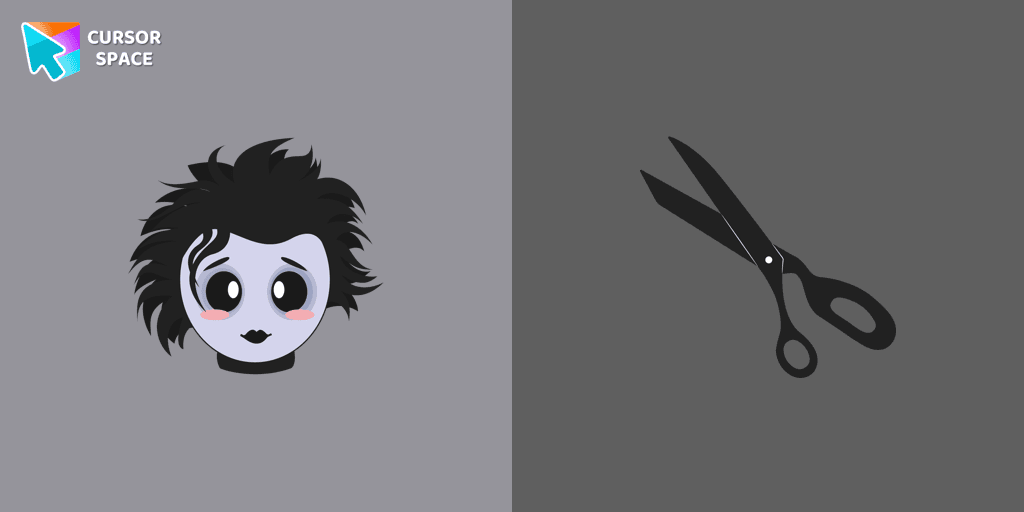
Find the custom cursor pack "Edward Scissorhands cursor" and click it.
Enjoy!
Get this cursor pack and thousands of others by installing our extension. It's fast and free!
Edward Scissorhands Cursor is a themed cursor pack you can add to your browser to personalize your pointer across common cursor states (default and pointer). Use it for everyday browsing, streaming, studying, or gaming-anywhere you want your cursor to match your vibe.
See how the cursors look before installing.
Add the pack to the extension in a few clicks.
Designed for Chrome and Edge via the extension.
Quick answers to common questions about cursor packs, collections, and installation.
Yes. To apply cursor packs in Chrome or Edge, install the Cursor Space extension and add this pack to it.
Cursor packs are designed for Chromium browsers like Chrome and Microsoft Edge.
Open the extension, choose another pack or disable the current one to return to your default cursor.
Custom cursor and packs - neon, anime, pixel art. Quickly add to Chrome and Microsoft Edge for free
Upgrade your browsing with the Vibrant Orange Gradient Cursor. This custom cursor offers a seamless orange gradient, merging style with functionality

Introducing the Cute Among Us Kakashi Hatake Character Cursor: A Perfect Blend of Two Favorites!
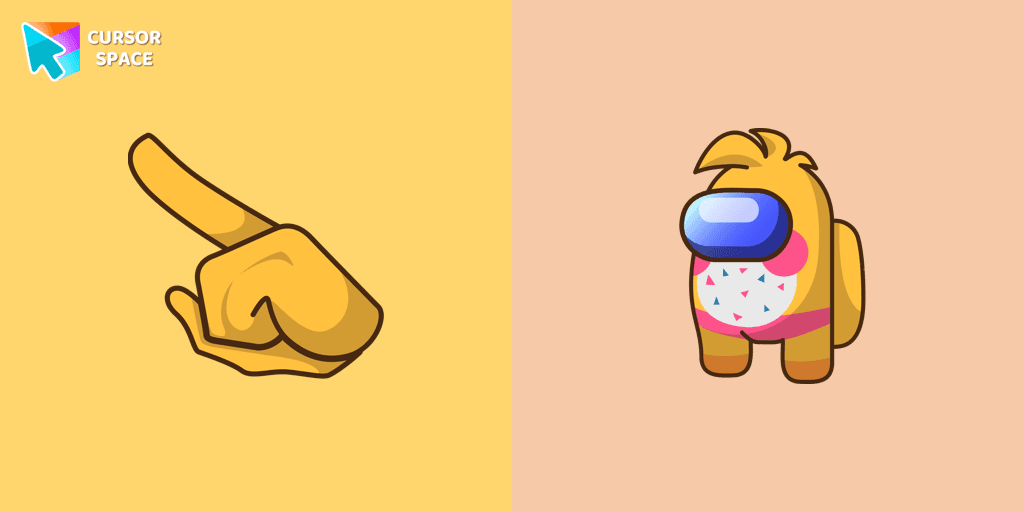
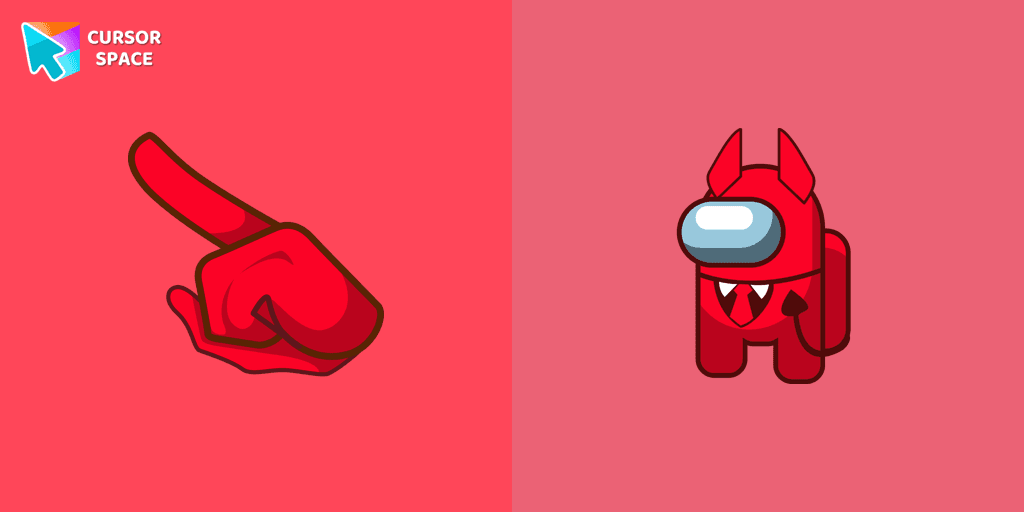
Unleash Adorable Charm with the Cute Among Us Devil Character Cursor!
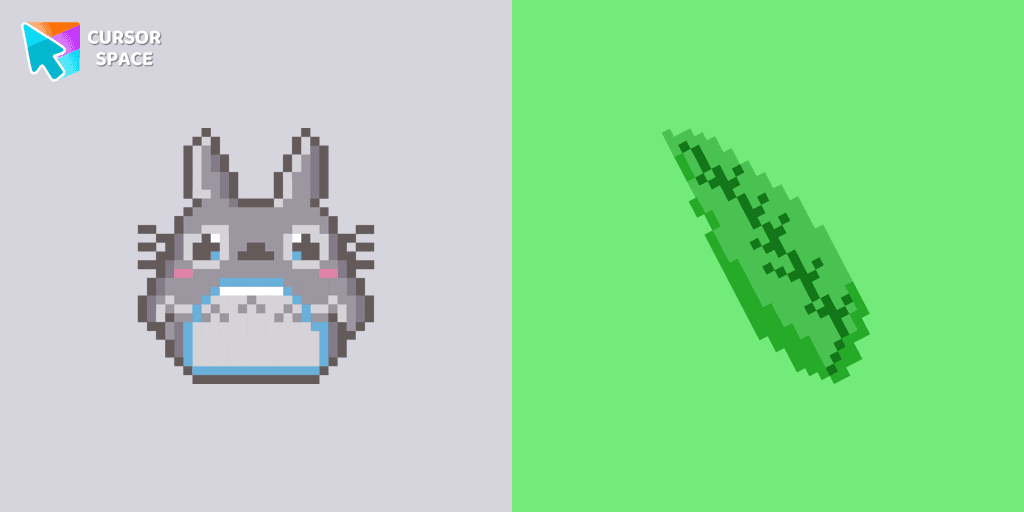
Totoro is a big, furry, cute, funny, and kind gray creature, the keeper of the forest invisible to adults, an anime movie character now in our Cute Pixel custom cursors collection for Chrome.
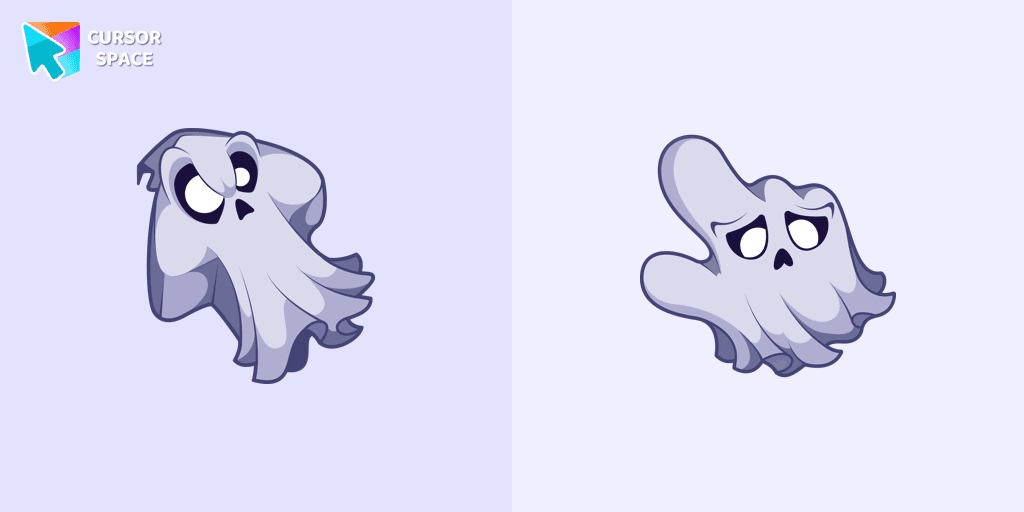
Unleash the fear with The Ghost custom cursor for Chrome. Add a spine-chilling touch to your screen and conquer your Samhainphobia!

Upgrade your workspace with the Custom Green Minimal Cursor, a simple yet striking design symbolizing harmony, freshness, and positivity.
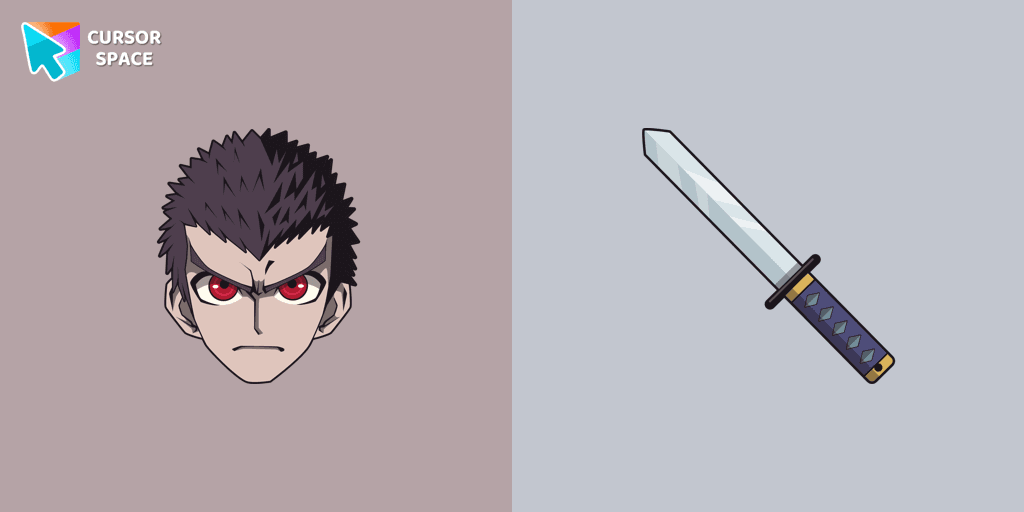
Discover the commitment of Kiyotaka Ishimaru, the Ultimate Attendant, featured in our custom cursor collection.

Elevate your digital experience with the sophisticated Bibata Original Rose Pine custom cursor, where stylish design meets smooth, precise navigation.

Enhance your workspace aesthetics and efficiency with Bibata Original Amber Cursor, a custom cursor offering refined design and excellent visibility.

Add an Extra Layer of Immersion to your Among Us Gameplay with the Squid Game Worker Character Cursor
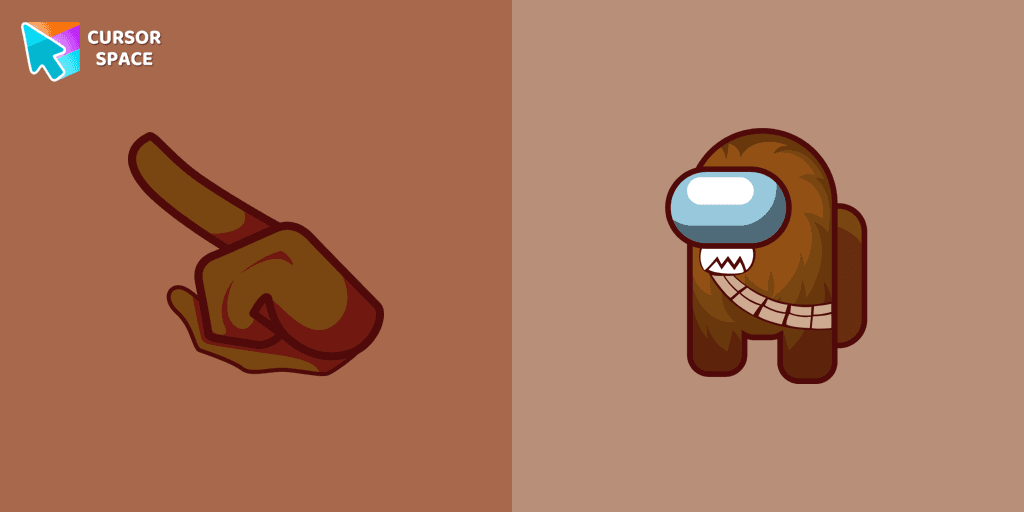
The Chewbacca character cursor is a highly sought-after customization option in Among Us.
Installation leaders from "Halloween": free packs, neon/anime/pixel art, quick add to Chrome and Edge.
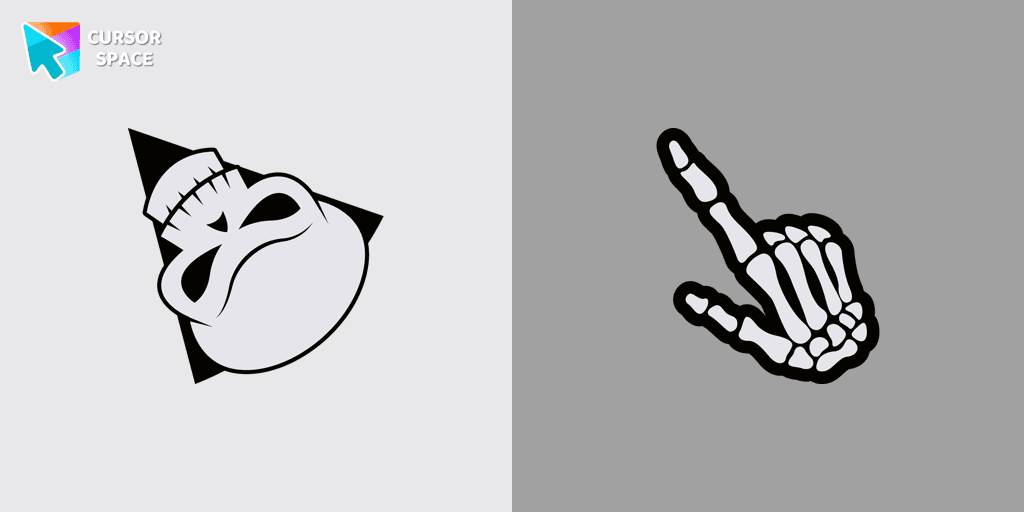
Angry Skull cursor for a mouse is a good Halloween art to decorate your browsing.
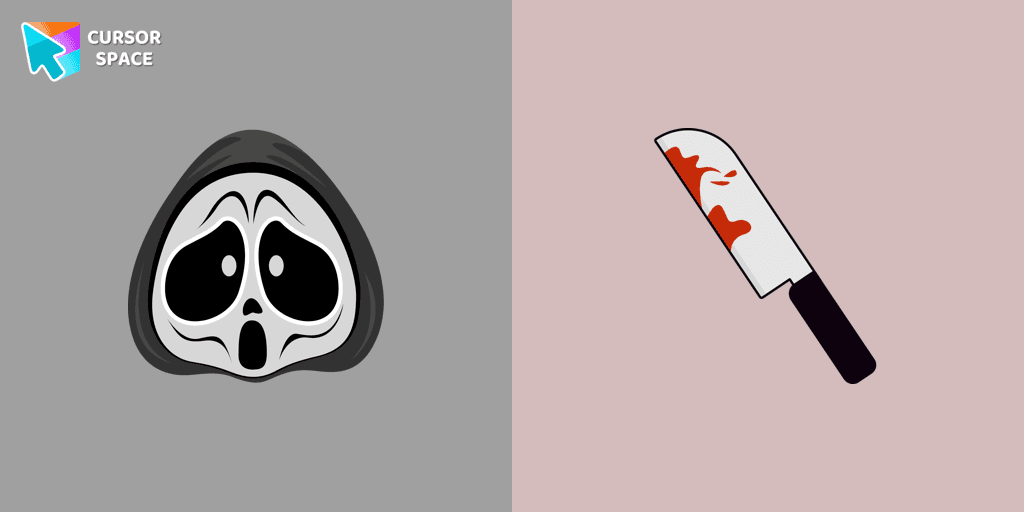
Ghostface cursor for mouse and custom hover pointer with a knife in our Halloween holiday collection of custom cursors.
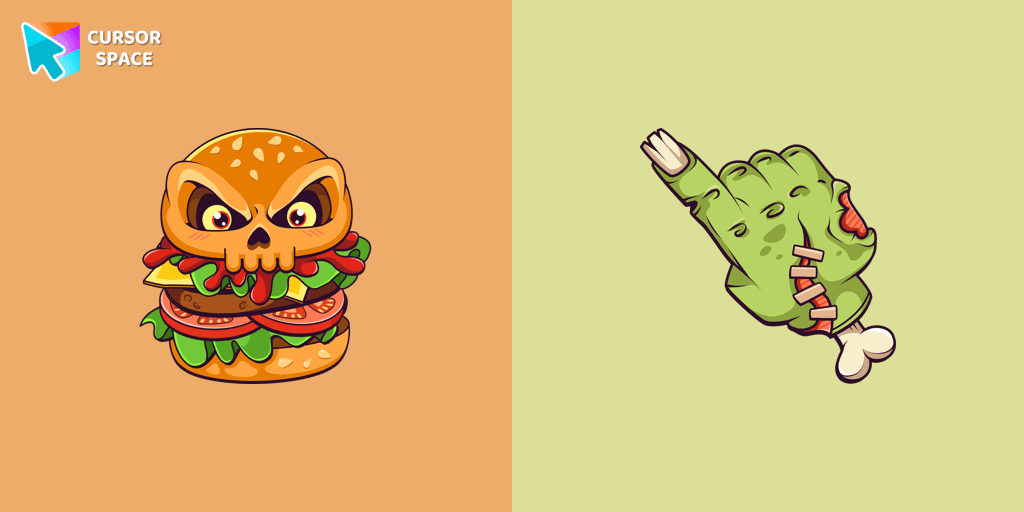
Chilling blood illustrated Burger skull custom cursor and zombie hand hover for the mouse.
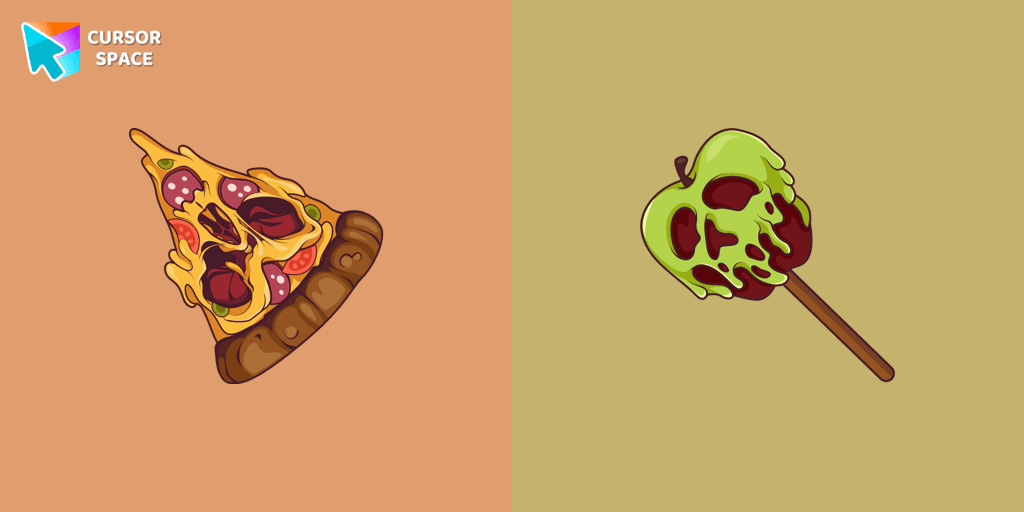
Don't forget to decorate your interface with a Pizza Monster custom cursor from our Halloween custom cursors collection.
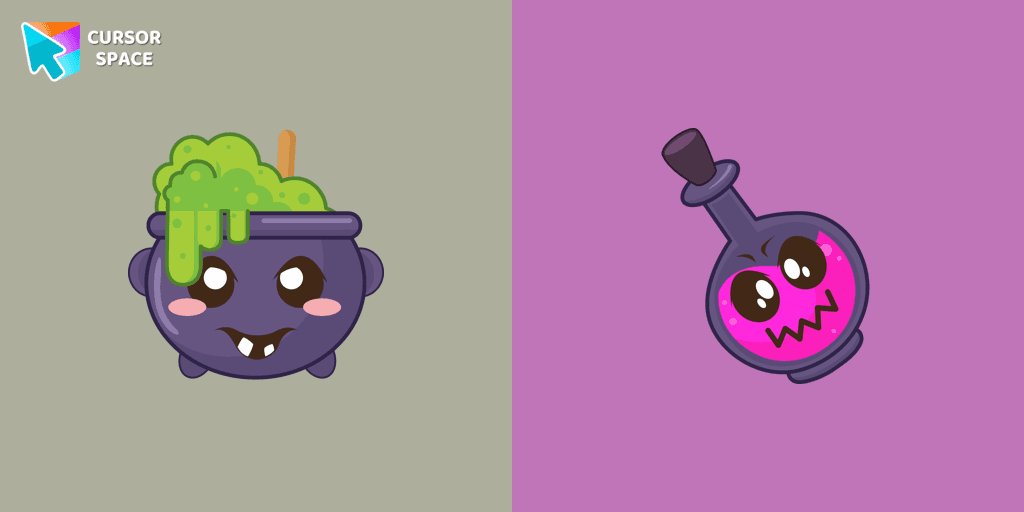
Our Halloween custom cursors collection for Chrome includes many themed cursors, one of them Potion Cauldron and Poison.
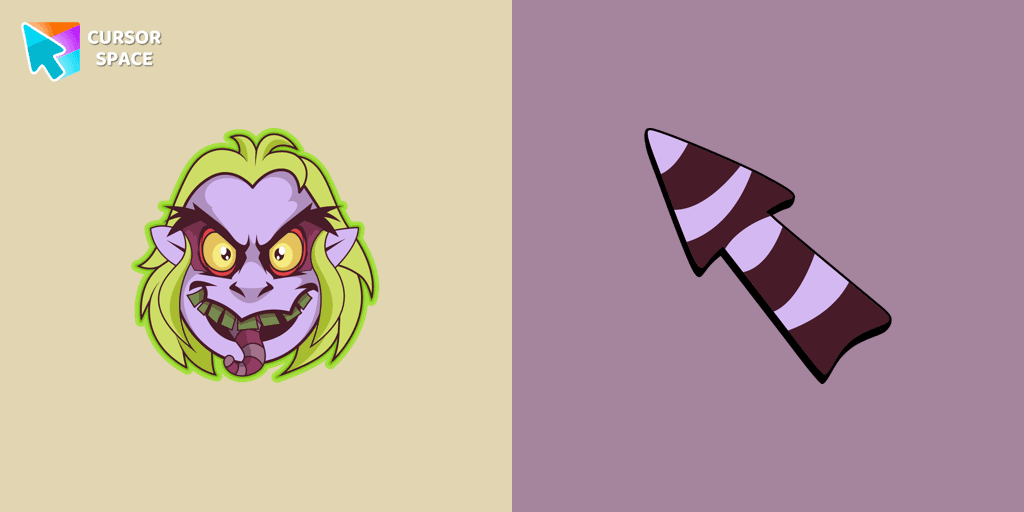
Welcome to our Halloween custom cursors collection for Chrome where you will find a custom cursor with Beetlejuice.
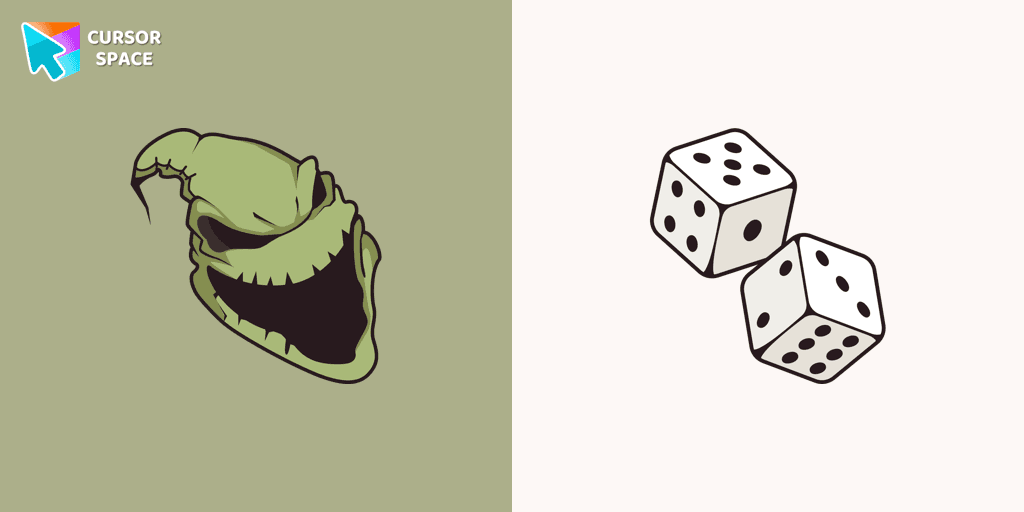
Boogeyman custom cursor for mouse and pointer is perfect for getting into the holiday spirit on Halloween.

Our Friendly Skull custom Cursor from our Halloween custom cursors collection for Chrome will help you with this.

Celebrate it with our Skull with Bow custom cursor for mouse and pointer which has an incredible, cool design.
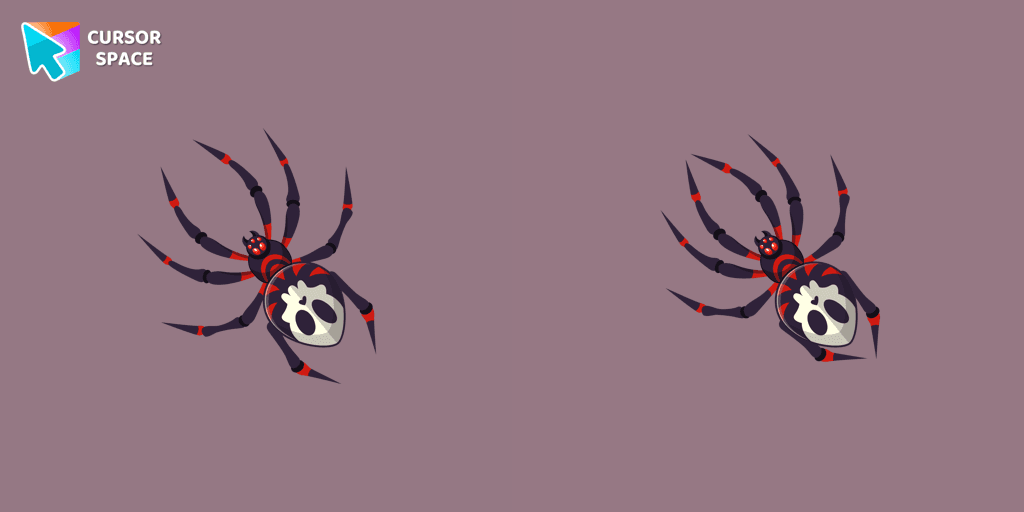
The Skull Spider custom cursor for the mouse will look pretty spooky on your screen.
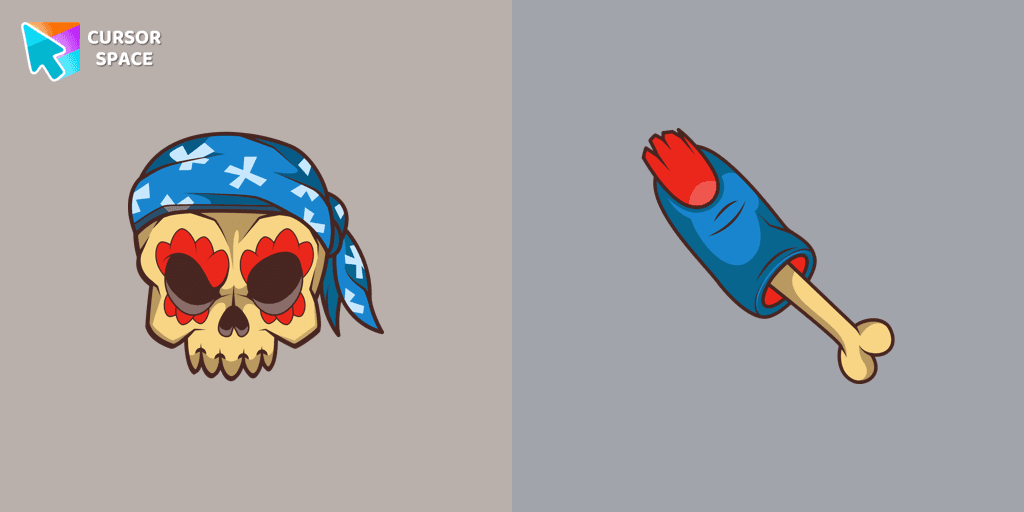
Pirate Skull custom cursors are the perfect option for our Halloween custom cursors collection for Chrome.
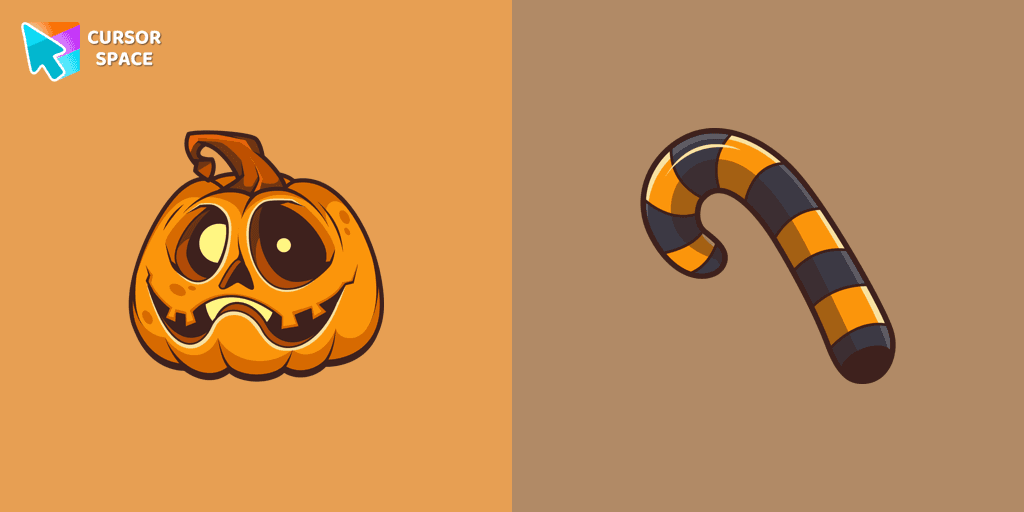
Our Pumpkin custom cursor was created especially for the chilling holiday season for our Halloween custom cursors collection for Chrome.
Add packs instantly and unlock access to thousands of cursors: neon, anime, pixel-art, and more. Fast, safe, and free.
Cursor Space is an extension for changing your mouse cursor in Chrome and Edge browsers: themed collections, HiDPI icons, neon, animated, and pixel cursors, with quick installation.